Content can be files
A folder of Markdown can be a collection. A file is a page, a folder's index is the page its files sit under, and the folders become the navigation. These documentation pages are exactly that.
You install it with one command, and it becomes your site — your theme, your content, your server. There is no account to sign up for, no plan to outgrow, and nothing phoning home.
Psst. This is the whole install:
curl -fsSL nibble.ink/install.sh | bashschema: 1
title: Posts
route: /blog/{slug}
dated: true
blueprints: [post]
template: posts/show
search: site
sort: published_at:desc
The things that decide what your content looks like — the collections, the fields, the navigation — are files you keep beside the rest of your site. Change a file and the Control Plane changes with it.
schema: 1
title: Posts
route: /blog/{slug}
dated: true
blueprints: [post]
template: posts/show
search: site
sort: published_at:desc
A folder of Markdown can be a collection. A file is a page, a folder's index is the page its files sit under, and the folders become the navigation. These documentation pages are exactly that.
Inertia and Vue 3 with SSR: visitors get HTML immediately and search engines see a complete page, while you write components rather than templates.
SQLite holds the content and Solid Queue holds the jobs, so a whole site is one machine and one file you can copy. Back it up by taking the file.
Everything a small site needs, and nothing that assumes you are a large one.
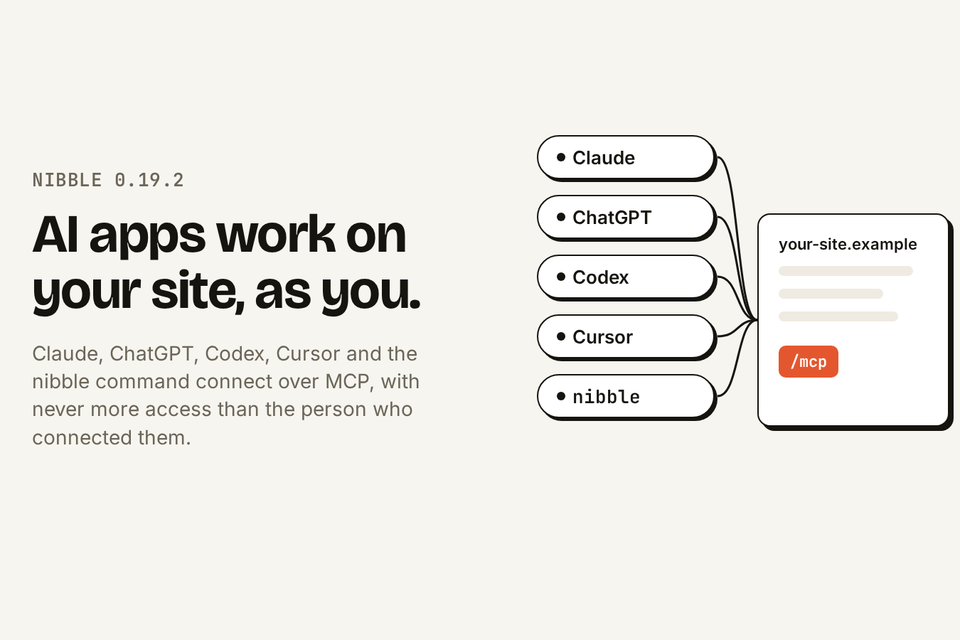
Claude, ChatGPT, Codex, Cursor and the nibble command connect to a Nibble site over MCP. Each works as the person who connected it, and never does more than that person can.
Every site answers MCP at /mcp. People sign in on the site itself and choose what the app may do, from read only to drafts to more.
What an app can do is the smallest of the person's roles, their choice and the site's settings, checked on every request.
Publishing and other live changes are held until the person approves them, and every change keeps its revision.
bin/rails nibble:dev:mcp gives Claude Code, Codex or Cursor renders, tests, logs and the docs as data while it builds your site.
Installing, settings, users, upgrades and backups.
Read the guideEntries, assets, publishing, forms and SEO.
Read the guideSchema, blueprints, views and queries.
Read the guideArchitecture, tests, releases and the invariants.
Read the guideAdd a field to a blueprint and it appears. Write a collection as Markdown and its pages turn read-only, each one naming the file it came from.

11 min read
Scheduled tasks keep a site's figures and feeds up to date on their own, carefully. Plus content packages that carry their files, finer control over titles and the sitemap, a Control Plane that pages everything, and Back that closes the dialog instead of the page.
6 min read
AI apps connect to a Nibble site over MCP and work as the person who connected them, within limits checked on every request. Plus the nibble command, the management API, and developer tools for agents.
2 min read
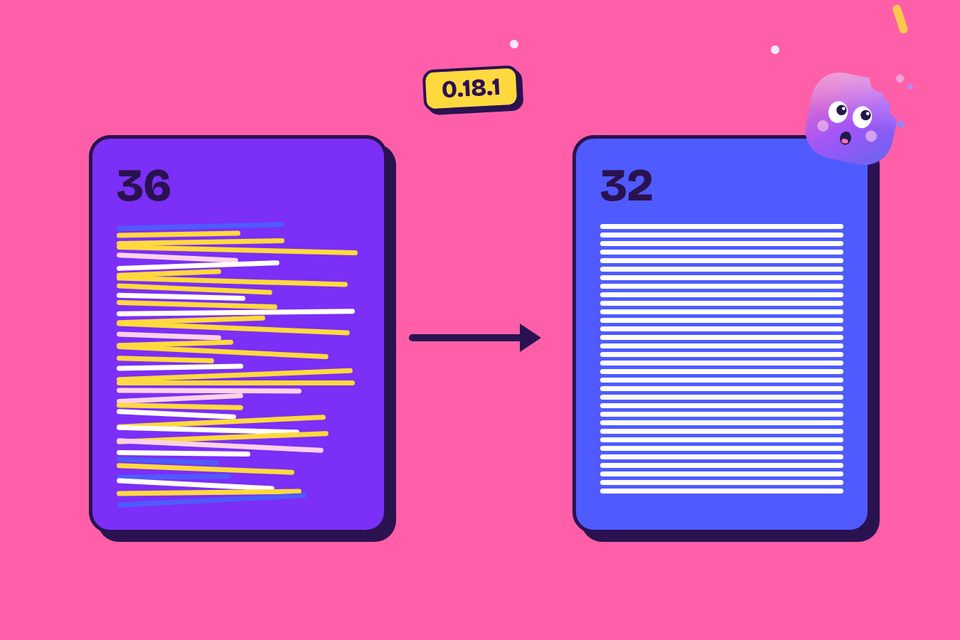
0.18.1 folds Nibble's thirty-six migrations into one per table, each creating its table as it is now. The catch was the order: foreign keys decide which migration has to run last.
The walkthrough covers what the installer asks and why, and what to do when something goes wrong.
Installing Nibble