One folder you can throw away and replace
0.16.0 moved all of Nibble into vendor/nibble and made upgrades a matter of swapping that folder. Here's why merging our git history into every site's repository had to go.
Mahfuz Shaikh1 min read
Until 0.16.0, a Nibble site was a clone of the Nibble repository, and upgrading meant merging our newer tags into it. It worked, in the way that things work until the day they don't.
What was wrong with merging
A site's repository ended up holding our entire history, and every upgrade was a git merge between two parties editing some of the same files. When a conflict happened, a site owner had to understand our changes to resolve theirs. That's backwards. Upgrading a CMS shouldn't require reading its commit log.
One folder
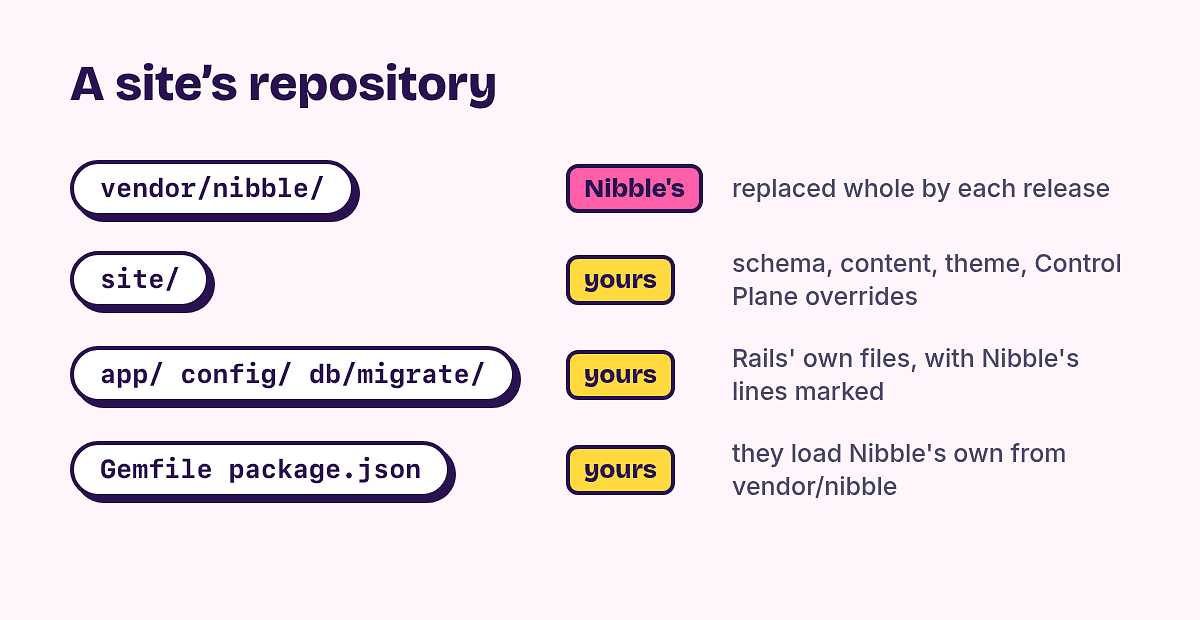
So everything of Nibble's moved into a single folder, vendor/nibble, loaded as a Rails engine. The rule that came with it is simple enough to put on a sticker:
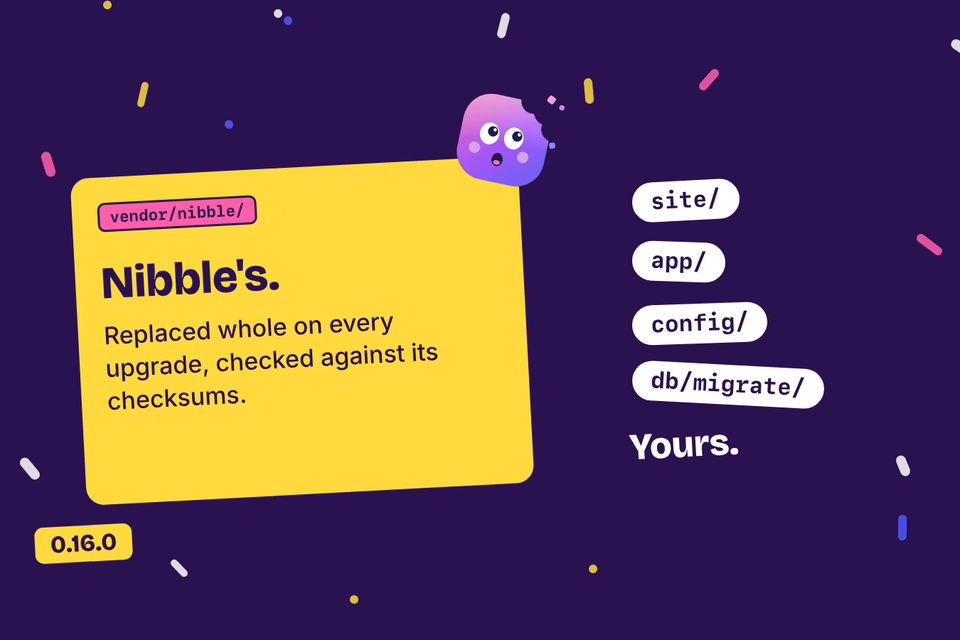
Everything under `vendor/nibble/` is Nibble's. Everything else is yours.
A release is now an archive of that folder with a checksum beside it. install.sh downloads one, checks it, unpacks it and writes the site's own files from templates, once. bin/rails nibble:upgrade replaces the folder with the next release, snapshots the database first, and keeps the previous release around in case you want it back.
Knowing what a site changed
Two things make "replace the folder" safe.
Checksums. Every file in a release is listed in a manifest. If a site edited one of our files in place, the upgrade notices and refuses, instead of silently throwing the edit away.
Templates. The files a site owns (its
Dockerfile, its settings) were rendered from our templates at install. When one of those templates moves on, the upgrade shows the difference and offers it, but never overwrites your copy.
The best part of this release was deleting code: all of the git machinery that made merges bearable is gone.